
Every Deadlock edge in one fast desktop hub.
WinFactory Live pairs an instant 6v6 live matchup board, a native 3D Midtown replay viewer, and a local KV3 build editor in a single ~22 MB native Rust app.
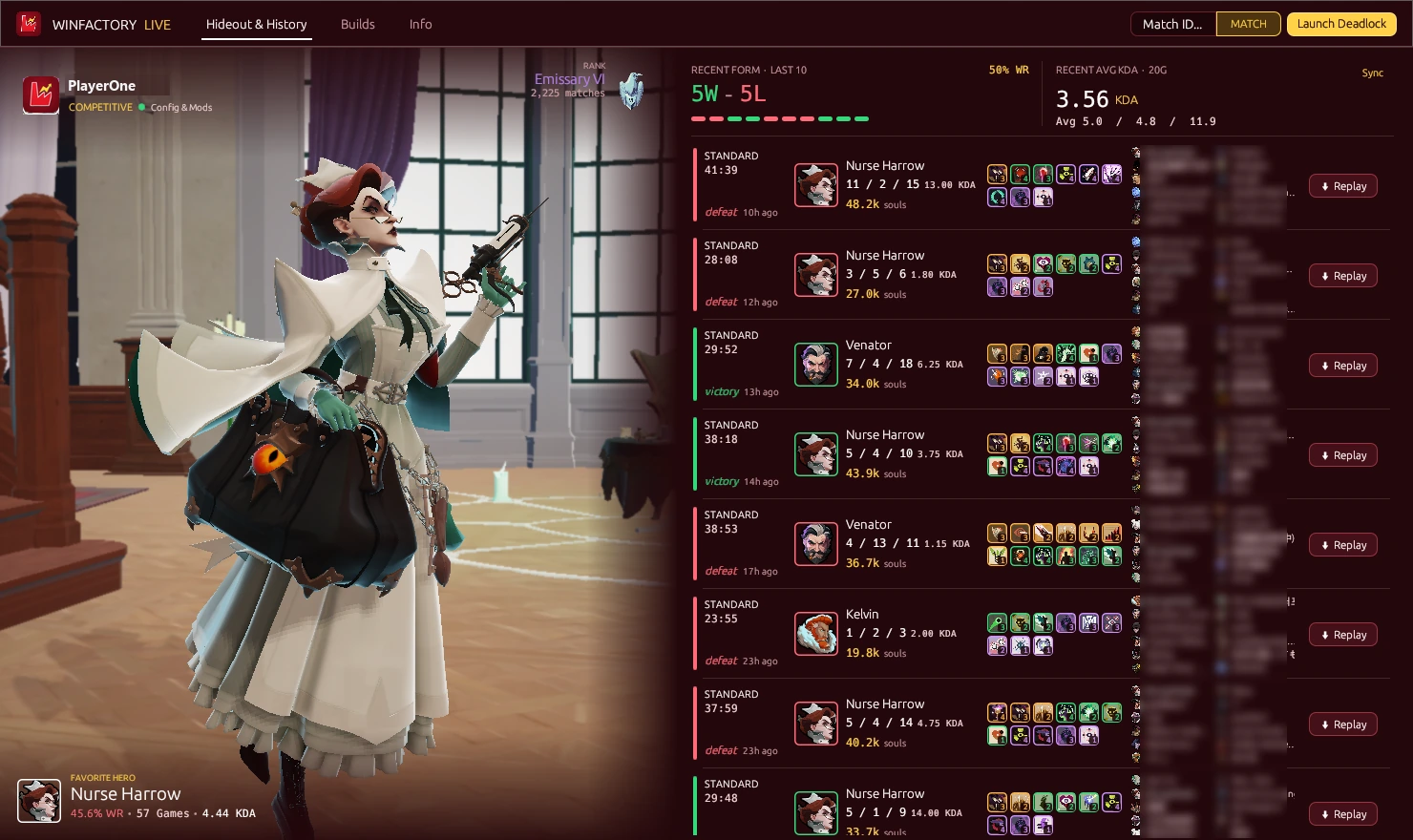
Have a greater understanding of the game
See winrates, rank peaks, and important statistics relevant to your game.
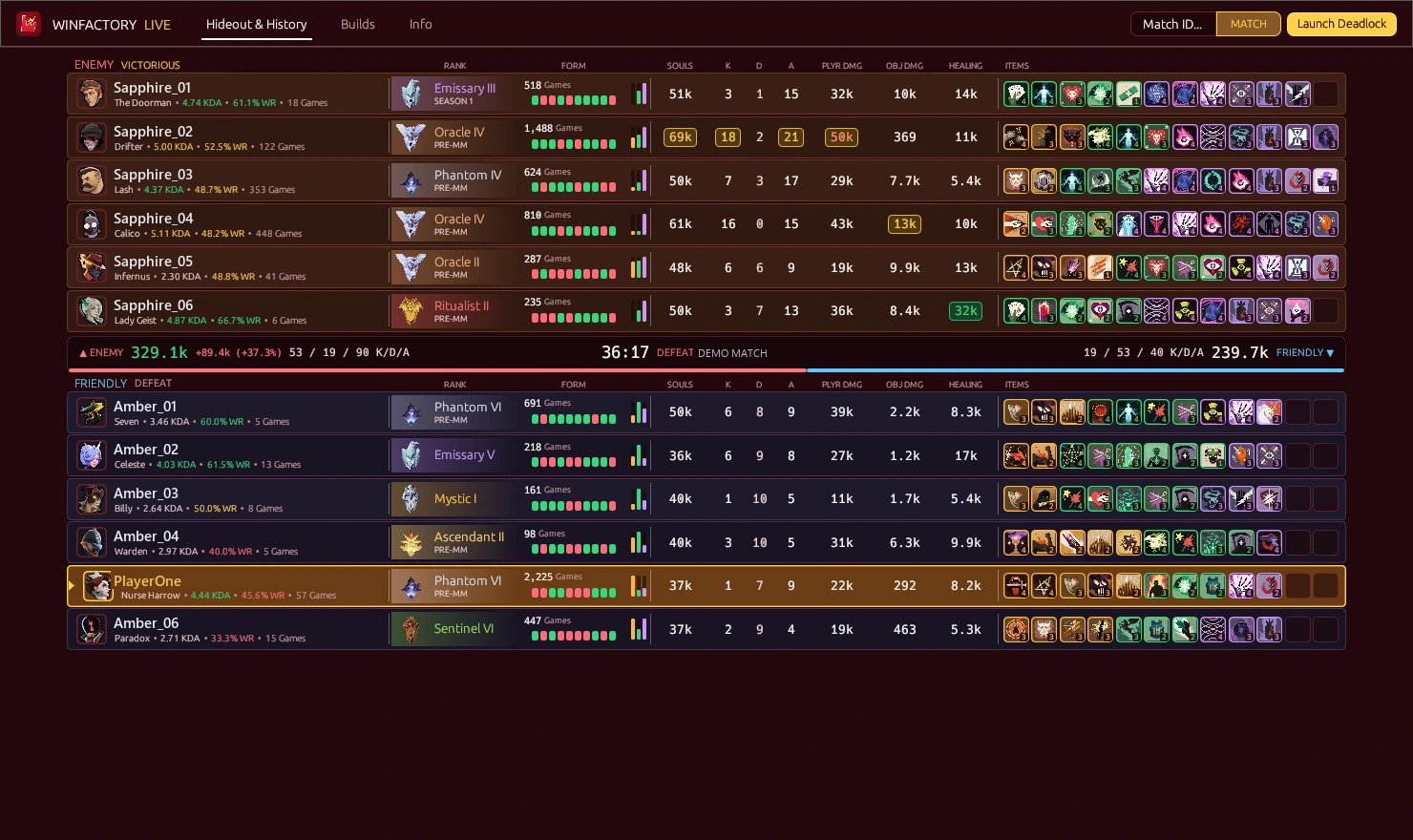
- 6v6 Scouting Board: Current rank badges, hero winrates, KDA, recent 10-match streaks, and live soul/item updates via Panorama bridge.
- Server Blocker (Valve SDR): Block high-packet-loss relay POPs via Windows Firewall permanently or on an automatic night schedule.
- CompLock & Bridge Configs: Switch between Default, STATS (Bridge Only), and Competitive presets cleanly with automatic backups.
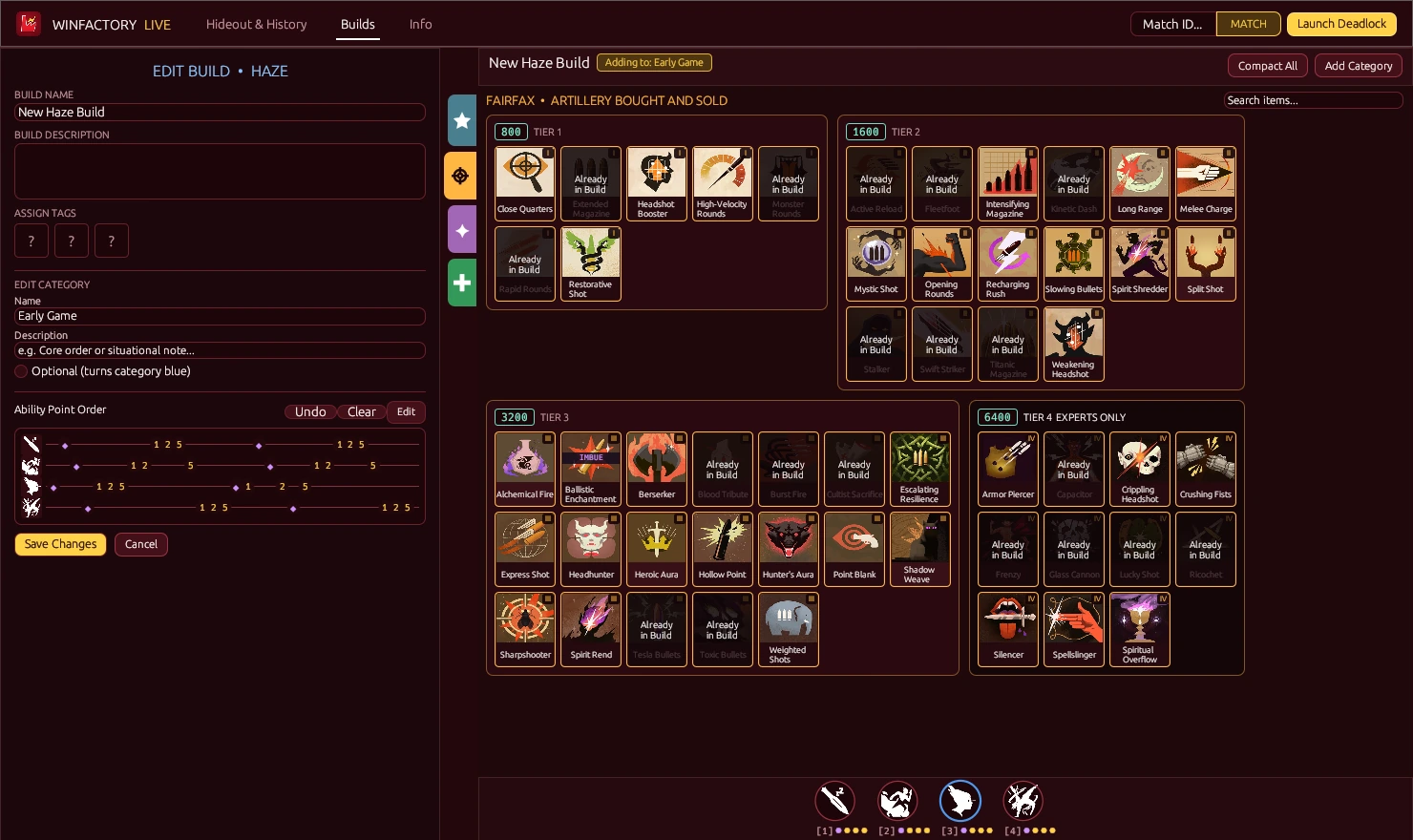
Build from anywhere
A fully-functional build editor, from the desktop.
- Visual Category & Ability Planner: Drag-and-drop style category editing, optional item flags, and level-by-level ability unlock paths.
- Live Stat Simulator: Equip any combination of items and test Boon/Spirit breakpoints before queuing up.
- Safe Local KV3 Sync & Recovery: Reads and writes
cached_hero_builds.kv3safely with automatic snapshot recovery if Steam resets a file.
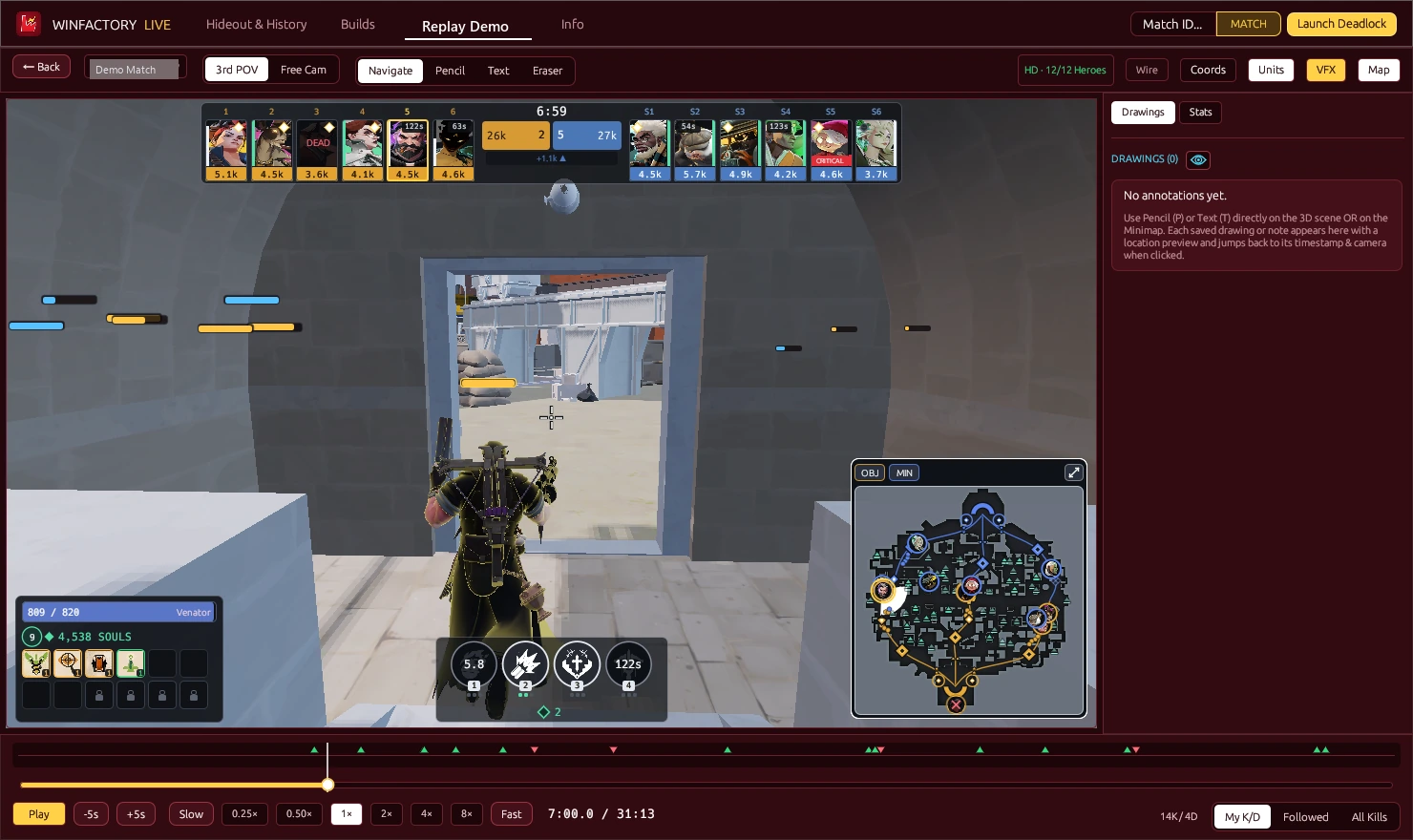
Responsive replays
Scrub, annotate and review replays, without any lag.
- 3D World & Minimap Sync: Streaming Midtown geometry tiles, hero rigs, troopers, objectives, orbs, and bullet/ability tracers.
- Combat & Economy Graphs: Scrub any timestamp to inspect net-worth swings, damage windows, and exact item purchase order.
- Telestrator & Bookmarks: Draw directly on the 3D scene or minimap, pin timestamped coaching notes, and resume where you left off.
Download WinFactory Live
Portable single-folder release for Windows 10 & 11 (64-bit). No installer bloat, no background updater service, no account required.
-
1
Download & extract
winfactory-live-windows-x64.zipanywhere on your PC. -
2
Run
winfactory-live.exe— Steam profile and Deadlock folder are auto-detected. -
3
Click Launch Deadlock to start with
-condebugand live matchup telemetry ready.
Optional 3D Replay maps & binary KV3 build decoding can install Source2Viewer-CLI directly inside Settings → Paths & Launch.